The challenge
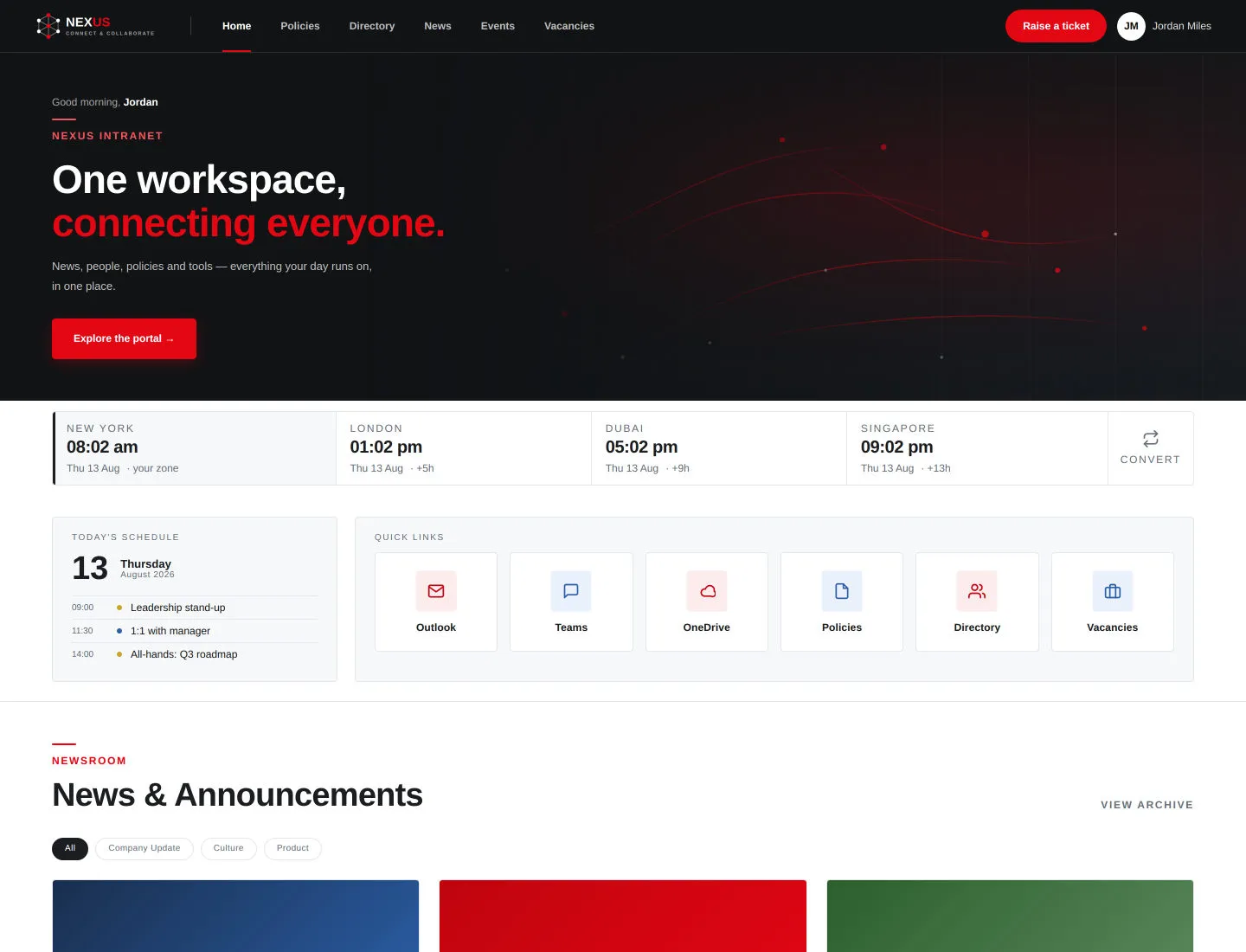
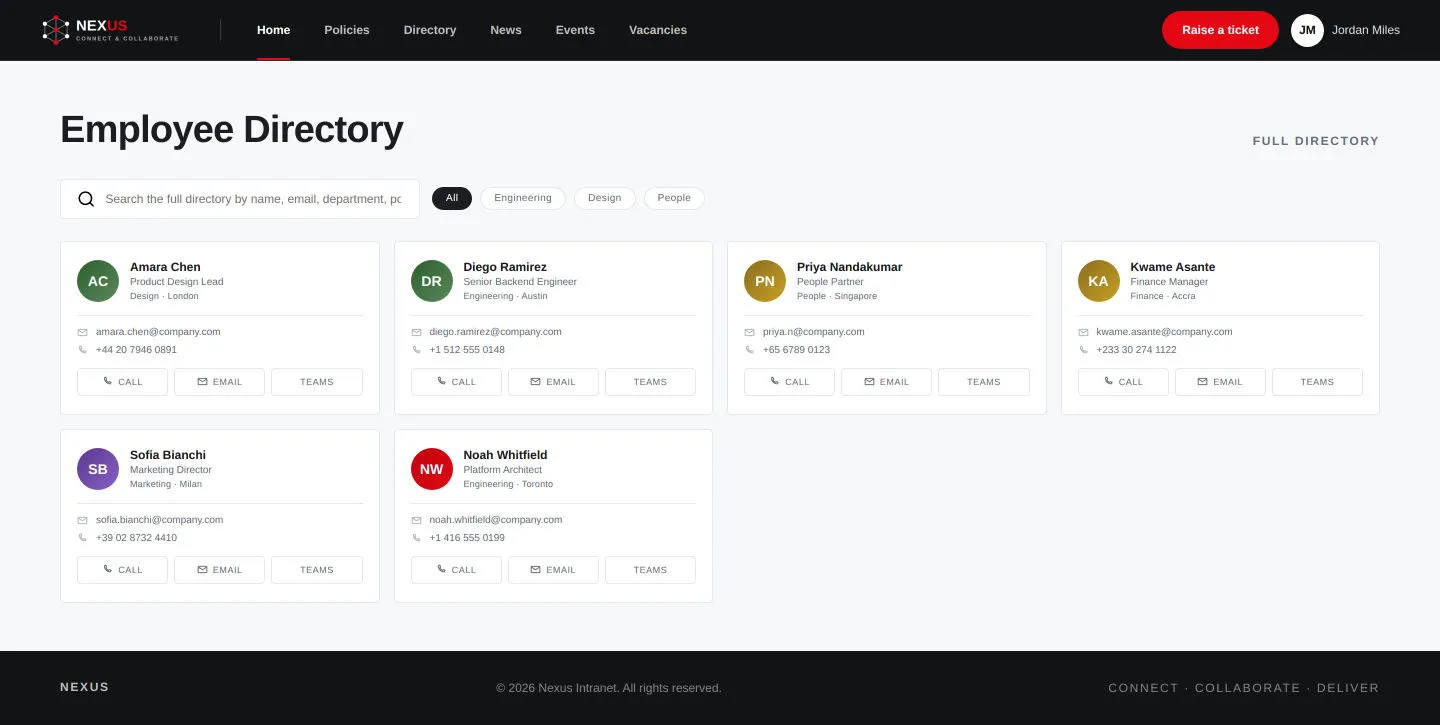
Every client wants the same intranet basics, from news and events to policies, people directories, department sites, onboarding and vacancies, and every client wants it to look like their own company. Rebuilding it for each client was not sustainable.
Rebranding had to need no code changes, and a copy for a new client had to be safe to deploy alongside the original in the same Microsoft 365 tenant.
What we built
- SettingsName, logo, theme, language
- Run setupCreates lists, pages and sub-sites
- Web partsPlus a global header and footer
- Branded intranetReused for each new client
We built 25 SharePoint web parts (page components) plus a global header and footer that appear on every page. Client name, logo, theme, fonts, navigation and default language are all settings an administrator edits after deployment.
A setup screen creates every list, library and page, registers the header and footer, seeds content and builds department sub-sites. It is safe to re-run, so deployment becomes "add the app and click Run Setup" rather than a script handed to the client.
A documented design system offers two switchable themes with checked color contrast. A later edition adds English and Arabic with full right-to-left layout, and gives each client copy its own internal identifiers so one copy cannot overwrite another.
Outcome
Deployed to its first client and generalized into a rebrandable, bilingual product. It is now available as a single package for any tenant, with 26 web parts, and as a dedicated per-client edition, with 28 web parts and a documented procedure for onboarding each new client.