The challenge
Microsoft was retiring Project Online, and with it the timesheet process the client relied on: employees logging hours against project tasks, and managers approving them.
Planners also used the Microsoft Project desktop app for real scheduling work, such as baselines, resource leveling and critical path. A new planning tool would have meant retraining and abandoning years of plan files. Spreadsheet timesheets would have broken the link between hours worked and the plan.
What we built
- Microsoft ProjectPlanners keep the desktop app
- Project add-inSends tasks and assignments
- DataverseBusiness data store
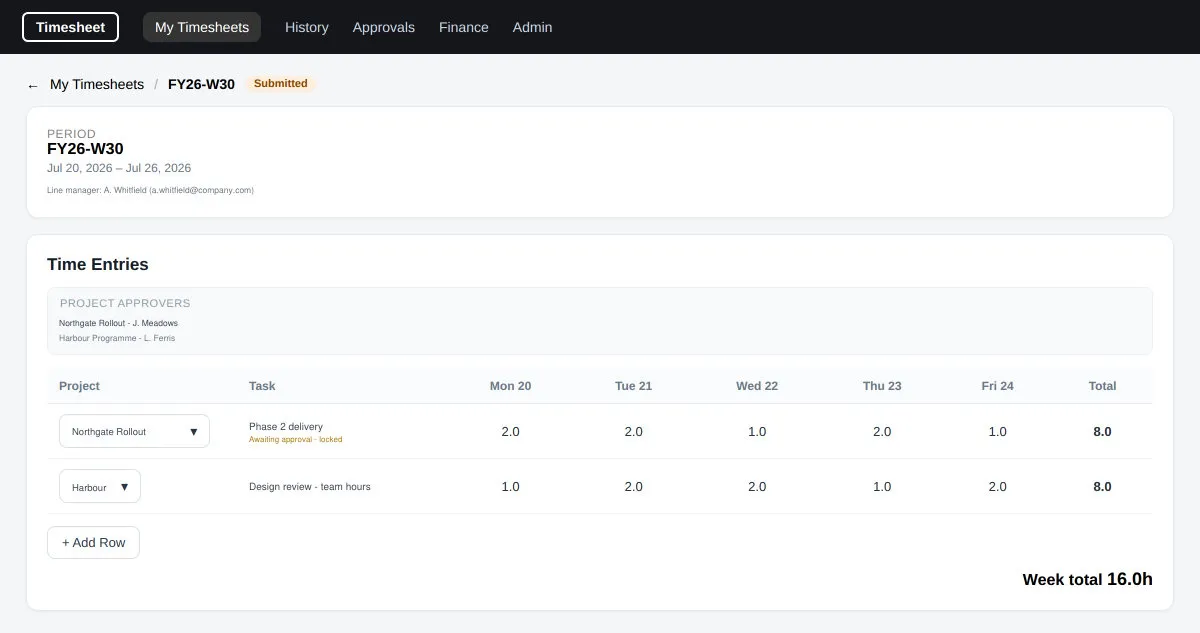
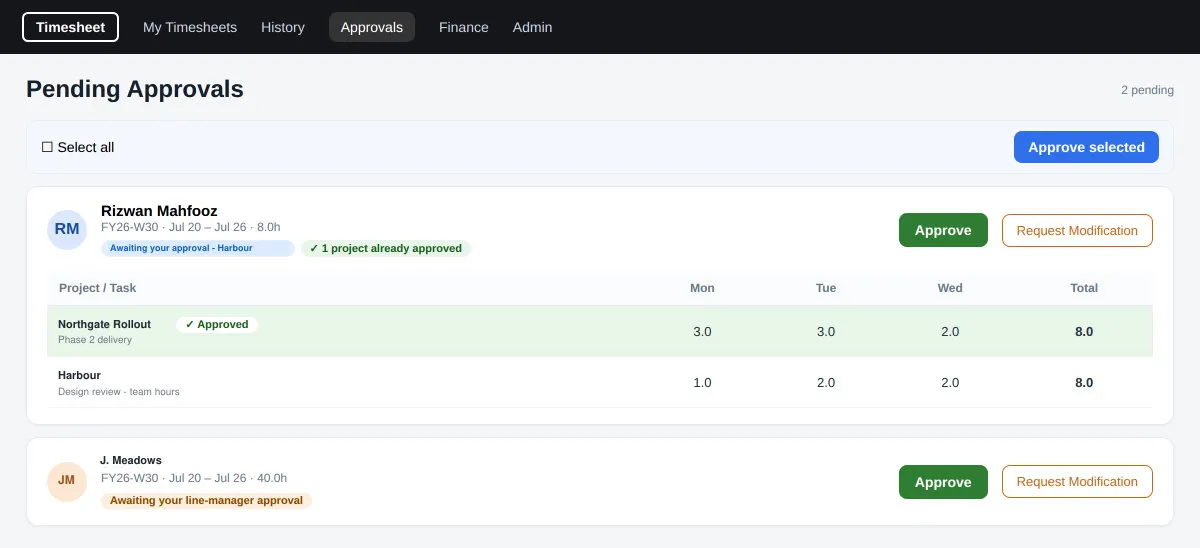
- SharePoint web partsTime entry and two-stage approval
- Back to the planApproved hours written to Project
We kept planning where it was and rebuilt only the timesheet layer around it. An add-in inside Microsoft Project sends tasks, resources and assignments to Dataverse, Microsoft's business data platform, and writes approved hours back onto the plan.
Employees enter time and managers approve it in SharePoint: a weekly entry grid for desktop and mobile, approval queues, a finance view, period management and exports. Power Automate, Microsoft's workflow service, sends notifications, including a per-project digest every 15 minutes, and opens a new timesheet period each week.
Approval runs in two stages, line manager first and then each project manager for their own projects, and two managers approving at the same moment do not collide. The add-in is code-signed and installs from cloud storage, and a dedicated setup tool manages every change to the database structure.
Outcome
In production. The add-in installs and syncs in both directions, the SharePoint screens are deployed, two-stage approval runs on real data and the notification flows are in place.